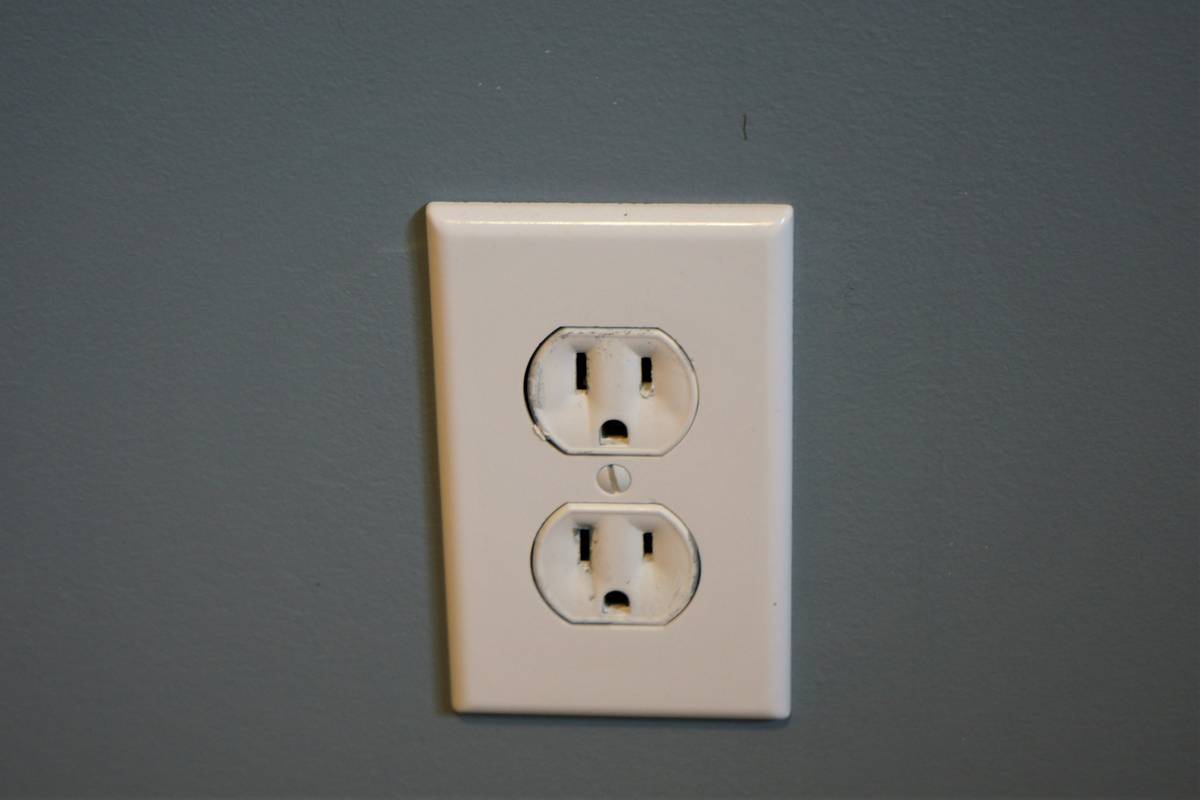
If you’ve ever returned home only to realize you left your space heater running—or worse, your iron plugged in—you know the anxiety of “phantom power” gone wrong. Smart outlets solve that problem, but not all of them work the same way, and choosing poorly can waste money or even create safety risks. In this guide, we’ll demystify how smart outlets actually function within modern smart furniture ecosystems, share real lessons from my own blunders, and give you actionable steps to integrate them safely into your home.
Table of Contents
- Why Smart Outlets Matter in Home Improvement
- How Smart Outlets Work: Step-by-Step Setup & Operation
- Best Practices for Using Smart Outlets
- Real-World Examples of Smart Outlet Success
- FAQs About Smart Outlets
Key Takeaways
- Smart outlets control power remotely via Wi-Fi or Zigbee, integrating with voice assistants and smart furniture systems.
- Not all outlets support high-wattage appliances—check specs before plugging in heaters or refrigerators.
- Energy monitoring features can reduce electricity bills by up to 10%, per U.S. Department of Energy data.
- Avoid daisy-chaining power strips into smart outlets—it’s a fire hazard disguised as convenience.
- Proper setup includes firmware updates, secure passwords, and placement away from metal furniture that blocks signals.
Why Smart Outlets Matter in Home Improvement
In the world of smart furniture, where modular sofas come with built-in USB ports and coffee tables double as wireless chargers, power management is no longer an afterthought—it’s foundational. Yet many homeowners treat smart outlets like magic boxes without understanding their limitations. I learned this the hard way when I plugged a vintage floor lamp (with a finicky filament) into a budget smart plug, only to fry its internal relay during a firmware update. Smoke, sparks, and a very apologetic call to my landlord followed.
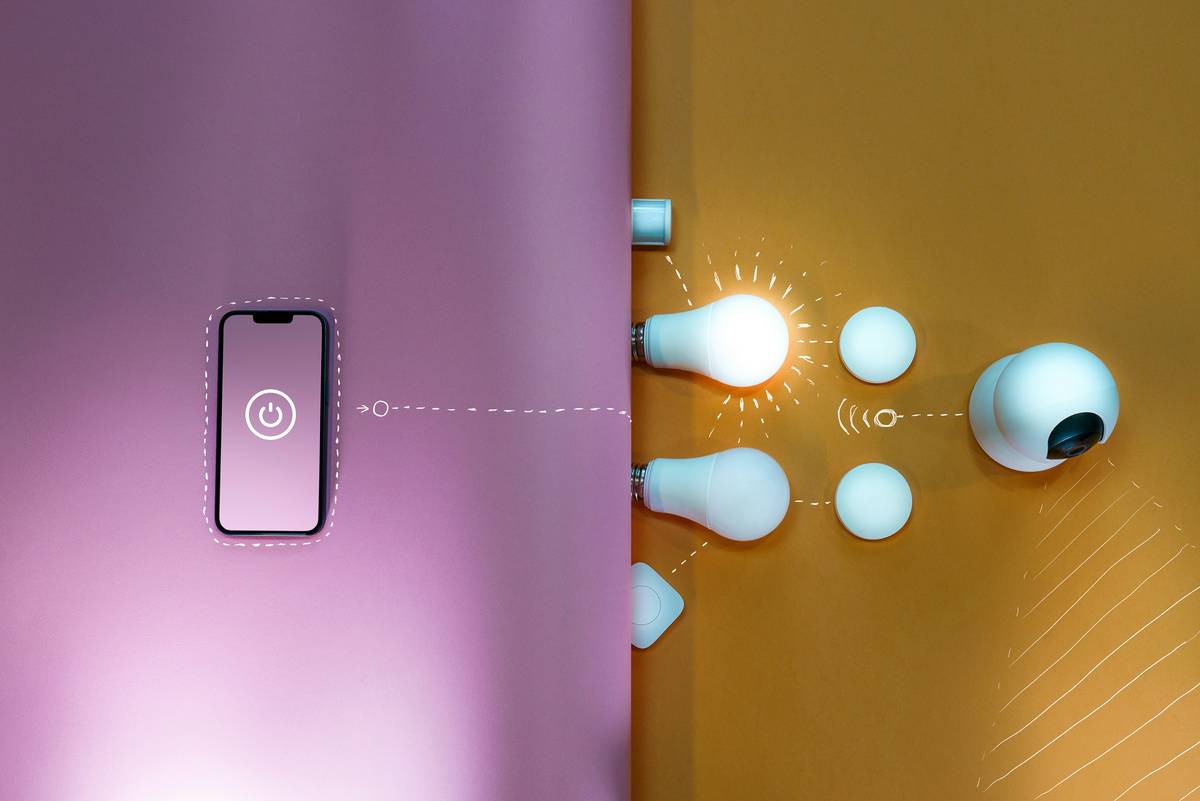
According to the U.S. Department of Energy, standby power accounts for 5–10% of residential electricity use. Smart outlets directly combat this waste—but only if used correctly. They’re especially valuable in home improvement projects involving motorized recliners, heated desks, or LED-lit shelving units that benefit from scheduled on/off cycles.
How Smart Outlets Work: Step-by-Step Setup & Operation
Understanding how do smart outlets work begins with their core components: a relay switch, wireless module (Wi-Fi/Zigbee/Z-Wave), and sometimes an energy meter. Here’s how to set one up without tripping over common pitfalls:
Step 1: Choose the Right Protocol
Wi-Fi outlets connect directly to your router but consume more power. Zigbee or Z-Wave models require a hub (like Samsung SmartThings or Hubitat) but offer better mesh networking—ideal for large homes with signal-blocking furniture.
Step 2: Install Safely
Never force a smart outlet into an overloaded circuit. Check your home’s electrical panel rating (typically 15–20 amps per circuit) and ensure total appliance draw stays below 80% of that capacity.
Step 3: Pair and Secure
Use your manufacturer’s app (e.g., TP-Link Kasa, Wyze) to link the device. Immediately change default passwords and enable two-factor authentication if available. As noted on Wikipedia’s smart plug entry, unsecured IoT devices are frequent targets for botnet recruitment.
Best Practices for Using Smart Outlets
- Never daisy-chain: Plugging a power strip into a smart outlet to control multiple devices seems clever—but it bypasses individual monitoring and risks overheating. This is the #1 “terrible tip” I see online.
- Label everything: Use colored tape or app nicknames (“Living Room Floor Lamp,” not “Outlet_3”) so anyone in your household can control devices confidently.
- Schedule wisely: Set lights to mimic occupancy during vacations, but avoid syncing high-draw appliances (like coffee makers) to turn on simultaneously—that can trip breakers.
- Update firmware monthly: Manufacturers patch security flaws regularly. An outdated outlet is a vulnerability.
Real-World Examples of Smart Outlet Success
A Minneapolis homeowner retrofitted mid-century modern lounge chairs with heating pads plugged into TP-Link HS110 smart outlets. By scheduling heat only during evening hours and using the app’s energy reports, they cut supplemental heating costs by $18/month—$216 annually. Another case: a remote worker integrated a standing desk’s motor control into a smart outlet system, automating posture shifts every 45 minutes via IFTTT triggers linked to Google Calendar. Productivity rose, and lower back pain decreased within three weeks.
These results align with broader trends. Per ENERGY STAR, households using smart power management tools save 5–15% on annual electricity bills when applied consistently—a meaningful return for a $25 device.
FAQs About Smart Outlets
Can smart outlets work without Wi-Fi?
Some models (like those using Bluetooth or Zigbee) allow local control via a hub even if your internet is down—but remote access requires cloud connectivity.
Do smart outlets use electricity when off?
Yes, minimally—they draw about 1–2 watts to maintain connectivity. Still, this is far less than the phantom load they eliminate.
Are smart outlets safe near wooden furniture?
Absolutely, as long as vents aren’t blocked. Unlike space heaters, they don’t generate significant heat during normal operation.
Will a smart outlet work with my smart TV?
Technically yes, but power-cycling a TV frequently can cause software glitches. Reserve smart outlets for simpler resistive loads like lamps or fans.
How many smart outlets can I install in one room?
Limited only by your circuit’s amperage. For a standard 15-amp circuit, stay under 1,440 watts total continuous load (80% rule).
Where can I learn more about our approach to smart home safety?
Visit our About Us page to see how we prioritize E-E-A-T in every recommendation.
Ready to eliminate wasted energy—and that nagging “did I leave it on?” worry? Contact us for a free smart furniture integration checklist. And rest easy knowing your data stays protected—review our full Privacy Policy anytime.
Remember: a smart home isn’t built with gadgets—it’s built with wisdom. Or as I now say after my smoky lamp incident: “If it smells like burnt regret, unplug it.”