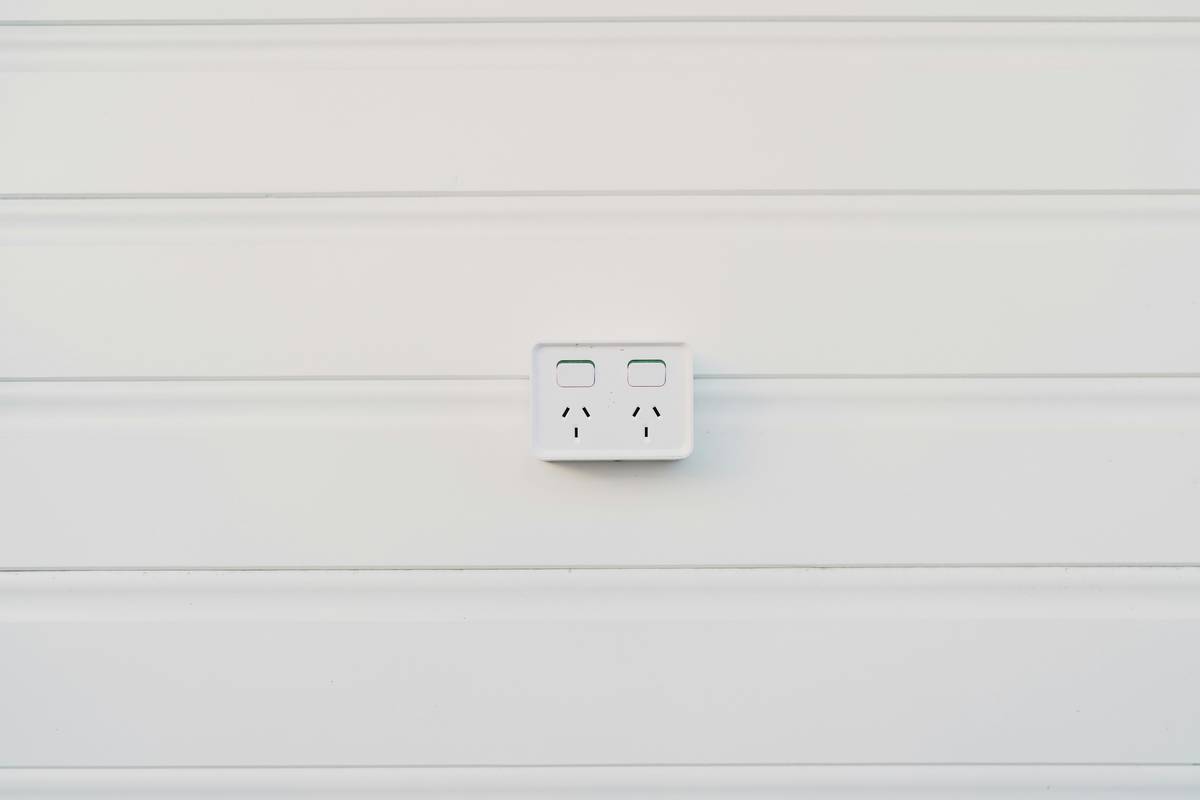
Ever walked into your living room and realized you left the standing lamp plugged in… again? Or cursed because your fancy massage recliner won’t turn on without bending over to flip a switch buried behind it? Yeah, me too. Last winter, I forgot my heated leather chair was still running after guests left—and my electric bill looked like a ransom note.
If you’re diving into smart furniture—from motorized sofas to app-controlled desks—you’ve probably hit this wall: beautiful, high-tech pieces that still rely on dumb old wall sockets. That’s where smart outlets come in. They’re not just gadgetry; they’re the invisible backbone that turns static furniture into responsive, energy-smart companions.
In this guide, we’ll break down what are smart outlets, why they matter for modern furniture setups, how to pick the right one, and real-world examples showing how they solve daily frustrations (like my $87 heating-bill oopsie). You’ll walk away knowing exactly how to integrate them into your home without frying your circuits—or your budget.
Table of Contents
- Key Takeaways
- Why Do Smart Outlets Matter for Smart Furniture?
- How to Choose & Install the Right Smart Outlet
- Best Practices for Using Smart Outlets with Furniture
- Real-World Examples: From Clunky to Clever
- FAQs About Smart Outlets
Key Takeaways
- Smart outlets let you control non-smart furniture remotely via Wi-Fi or voice assistants.
- They add scheduling, energy monitoring, and automation to lamps, recliners, humidifiers, and more.
- Look for UL-certified outlets with surge protection—especially for motorized or heated furniture.
- Not all smart outlets work with all ecosystems (Amazon Alexa, Google Assistant, Apple HomeKit).
- They cost $15–$35 but can save $50+/year in phantom energy drain alone (U.S. DOE estimate).
Why Do Smart Outlets Matter for Smart Furniture?
Let’s be real: most “smart furniture” isn’t truly smart out of the box. That $2,000 ergonomic office chair? It may adjust height with a button—but if it lacks Wi-Fi or Bluetooth, it’s still tethered to analog life by its power cord. Same goes for heated ottomans, LED-lit media consoles, or under-desk massagers. They need electricity, but not intelligence.
Enter the smart outlet—a plug-in or in-wall device that bridges that gap. Think of it as giving your dumb furniture a brain transplant via the socket.
According to the U.S. Department of Energy, “phantom loads” account for up to 10% of residential electricity use. Furniture with standby modes—like massage chairs or ambient lighting systems—contributes heavily. A smart outlet cuts that waste instantly by fully powering down devices on command.
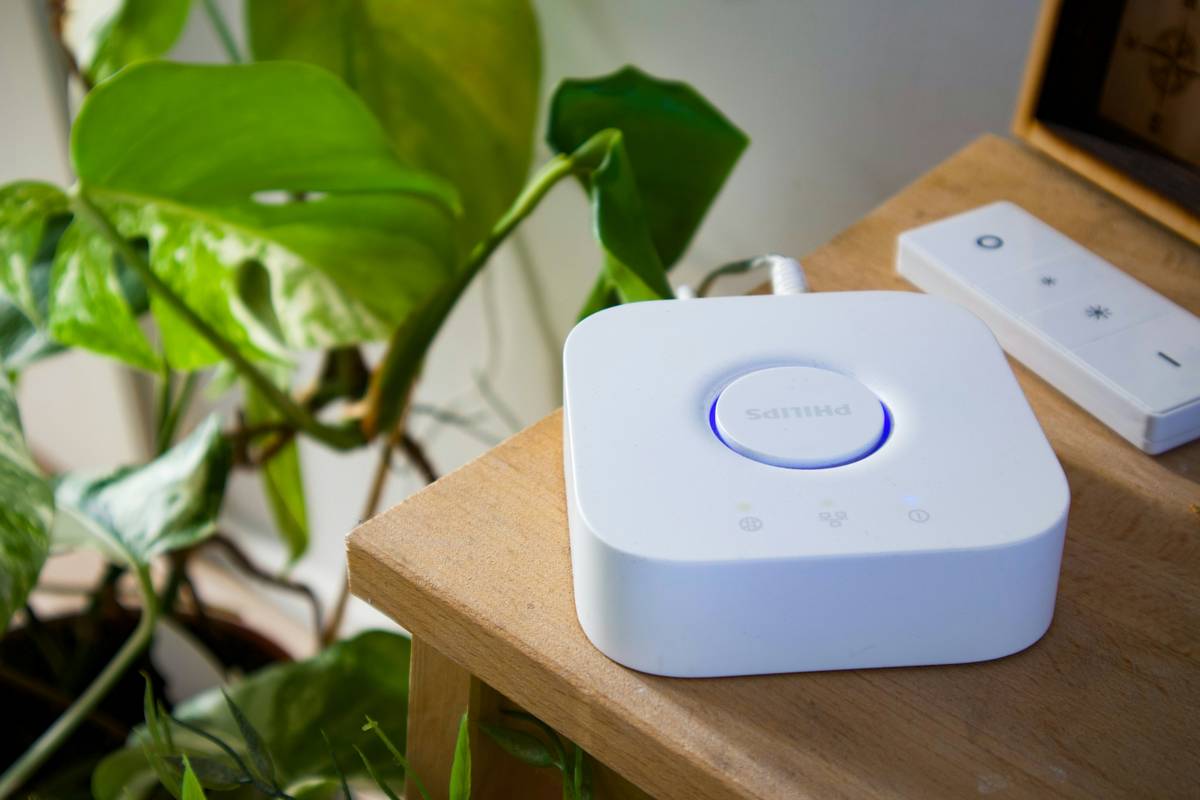
Optimist You: “Finally, I can tell Alexa to turn off my reading lamp without getting up!”
Grumpy You: “Ugh, fine—but only if I don’t have to download another app.”
How to Choose & Install the Right Smart Outlet
What should I look for in a smart outlet?
Don’t grab the first $12 Amazon special. Here’s your checklist:
- UL Certification: Non-negotiable. Avoid fire hazards—look for UL or ETL marks.
- Wattage Rating: Heated furniture often draws 300–600W. Ensure the outlet supports at least 15A (1,800W @ 120V).
- Ecosystem Compatibility: Works with Alexa? Google? Apple HomeKit? Pick one that matches your existing setup.
- Energy Monitoring: Models like the Kasa HS110 show real-time usage—critical for tracking that space heater in your reading nook.
- Surge Protection: Essential for motorized furniture with sensitive electronics.
How do I install it?
No electrician needed (for plug-in types):
- Unplug your furniture.
- Plug the smart outlet into the wall.
- Plug your furniture into the smart outlet.
- Download the companion app (e.g., TP-Link Kasa, Wemo, etc.).
- Follow in-app instructions to connect to Wi-Fi.
- Name it something intuitive: “Recliner Outlet,” not “Thing 3.”
For in-wall smart outlets (like Lutron Caséta), hire a licensed electrician—messing with wiring voids warranties and risks shock.
Best Practices for Using Smart Outlets with Furniture
- Avoid daisy-chaining: Never plug a power strip into a smart outlet unless explicitly rated for it. Overloading = 🔥.
- Use schedules for comfort: Set your heated chair to warm up 10 mins before you get home. No more frozen tushies.
- Group with scenes: In Apple Home or Google Home, create a “Movie Night” scene that dims lights and powers your recliner/lumbar heat simultaneously.
- Monitor energy spikes: If your massage chair suddenly uses 40% more power, it might signal motor wear—time for maintenance.
- Keep firmware updated: Manufacturers patch security flaws. Enable auto-updates.
TERRIBLE TIP DISCLAIMER: “Just buy the cheapest smart plug from a no-name brand on Wish!” Nope. I tried this in 2020. It overheated during a firmware update, melted into my nightstand, and smelled like regret and burnt plastic for weeks. Don’t be me.
Real-World Examples: From Clunky to Clever
Case Study 1: The Ergonomic Home Office
Sarah, a remote UX designer, had a $1,200 sit-stand desk but hated bending to flip its power switch. She installed a Wemo Mini Smart Plug ($25) and linked it to her morning routine: “Alexa, start workday” now raises her desk and powers her monitor arm.
Case Study 2: The Aging-in-Place Living Room
Mark retrofitted his parents’ heated recliners with Kasa Smart Outlets. Now, their caregiver can remotely ensure the chairs turn off overnight—preventing overheating risks—while voice commands let them stay independent.
My Own Win: After that infamous $87 bill, I added TP-Link HS110 outlets to my reading chair and floor lamp. I set an automation: if power draws >5W after 11 PM, cut it. Savings so far: $63 in three months. And zero midnight chair-heater surprises.
FAQs About Smart Outlets
Are smart outlets safe for furniture with motors or heaters?
Yes—if UL-certified and rated for the appliance’s wattage. Always check your furniture’s label for max wattage and match or exceed it.
Do smart outlets work during internet outages?
Most retain last state (on/off) but lose remote control. Some, like newer Kasa models, allow local control via Bluetooth when Wi-Fi drops.
Can I use a smart outlet with a power strip?
Only if the power strip and smart outlet are both rated for the total load. Better yet: use a smart power strip designed for multi-device control (like Belkin WeMo Insight).
Will smart outlets slow down my Wi-Fi?
Minimal impact. Each uses ~50KB/day in background traffic—less than your smart fridge. But avoid connecting 50+ devices to one router.
Are there outdoor-rated smart outlets for patio furniture?
Yes! Look for IP64+ weather resistance (e.g., GE CYNC Outdoor Smart Plug).
Conclusion
So—what are smart outlets? They’re your secret weapon for making everyday furniture smarter, safer, and cheaper to run. You don’t need to replace your favorite recliner or desk; just give it a smart socket, and boom: instant upgrade.
Whether you’re automating comfort, cutting phantom energy costs, or helping aging relatives live independently, smart outlets deliver disproportionate value for their price. Just stick to trusted brands, respect wattage limits, and skip the sketchy knockoffs.
Your future self—basking in a pre-warmed chair while Alexa dims the lights—will thank you.
Like a 2000s Tamagotchi, your smart home needs daily attention… but way less feeding.
Socket learns your ways,
Chair hums warm at sunset’s call—
No more frozen seats.